Define what matters
Model your entities, properties and terminology. Give each concept a clear meaning, whether it is an order, an account, a case or a facility.
Connect what your organization knows to what it can do. Goveryn brings business meaning, workflows, applications and AI together so work moves forward under rules you define.
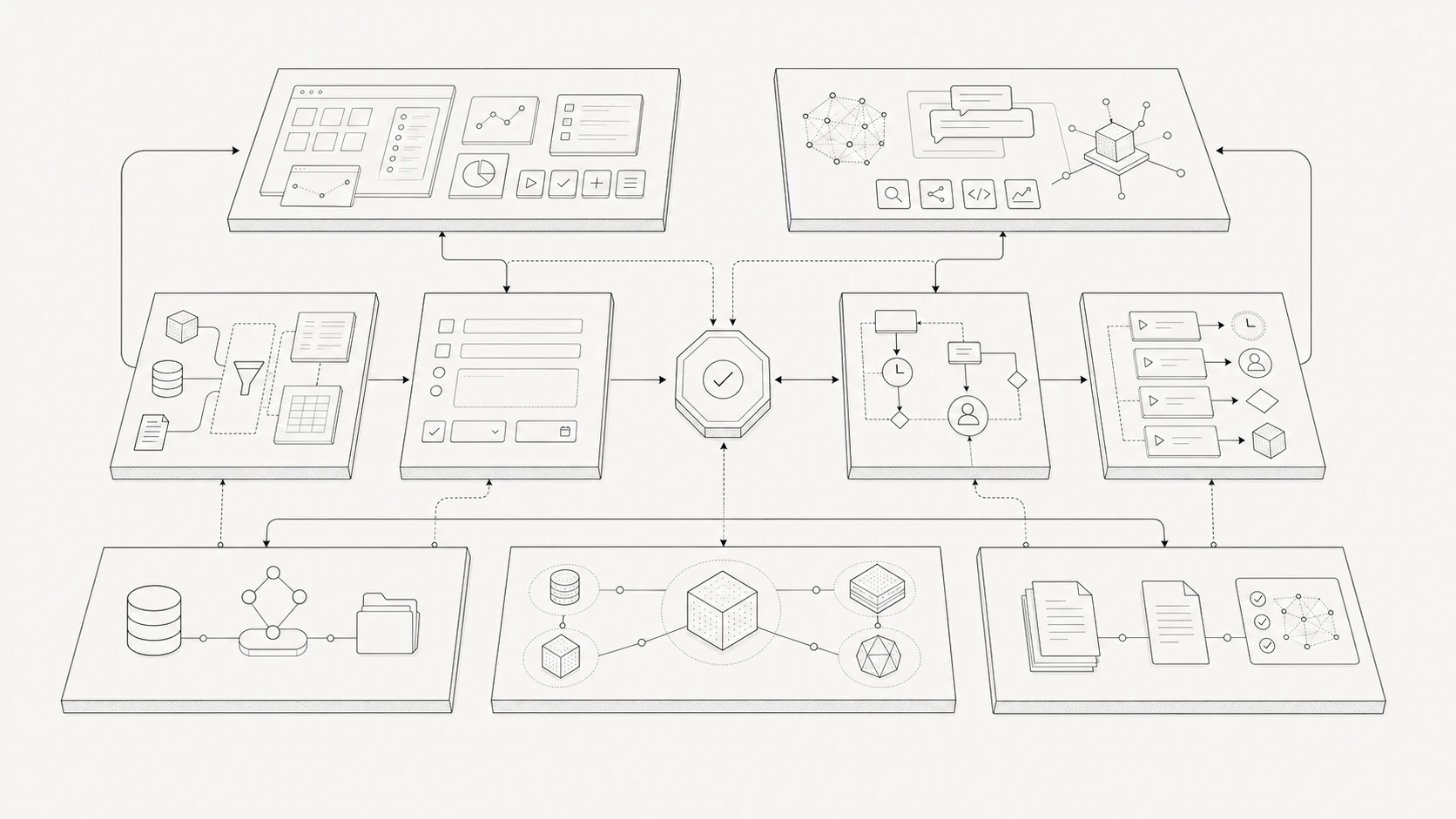
Bring data, documents, applications, workflows, and AI together through your ontology. Apply shared controls wherever an action is performed.
An asset is more than a row in a database. It has an owner, a location, a maintenance history, a current condition and rules for what can happen next. An ontology brings those connections into one explicit business model.
Model your entities, properties and terminology. Give each concept a clear meaning, whether it is an order, an account, a case or a facility.
Represent relationships and dependencies across systems. Make it possible to follow a business question from one record to the people, resources and commitments it affects.
Define what statuses mean, which information is required and what conditions govern a change. Give people and AI the same foundation for interpreting the work.
Actions define a business change, such as assigning an owner or updating a status. Workflows coordinate those actions with decisions, events and human tasks.
Give AI authority to complete a defined scope of work. It can gather context, select permitted actions and advance a workflow within the limits you set.
Place review, approval and judgment at the steps that need them. People receive the relevant context, make a decision or supply information, and the workflow continues when its conditions are satisfied.
When a record is ambiguous, a required value is missing or an action exceeds AI's authority, route the work for clarification or intervention. Keep responsibility explicit as the process moves between AI and people.
A service request arrives for an asset. Goveryn connects the request to the asset's history, owner and service agreement. AI checks the required information and creates an authorized work item. If the proposed work crosses an approval threshold, it sends the case to the responsible person. After approval, the workflow proceeds and records the result.
The business model supplies context. The workflow supplies instructions. Permissions and approvals define authority. AI and people carry out their assigned parts.
Bring data and operations together through integrations and APIs. Represent their meaning consistently across business processes.
Create operational views, forms and dashboards on the shared model. Give users the information and actions appropriate to their role.
Reuse entities, relationships, actions and workflows as you add applications and AI capabilities. Keep the business definitions and controls consistent across teams.
Start with the entities, relationships and rules that matter to one process. Extend the model as you add workflows, teams and applications.
Your organization does. Business owners define the operating rules and decisions; IT and software teams configure the integrations, permissions and execution controls that put them into practice.
Yes. Shared actions and workflows provide consistent behavior, while permissions determine what each person or assistant can access and execute.
Bring the systems, rules and handoffs involved. We’ll show how they come together in a working model—and where AI can help move the process forward.